Stickman Dash1.9.3
Publisher Description
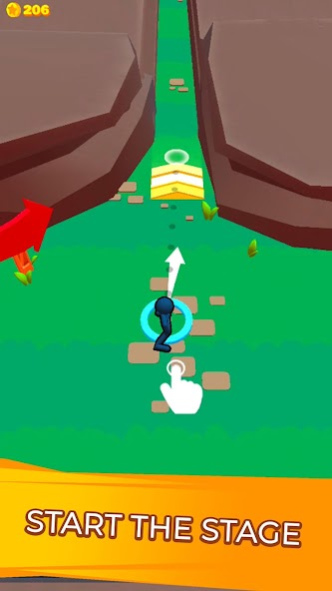
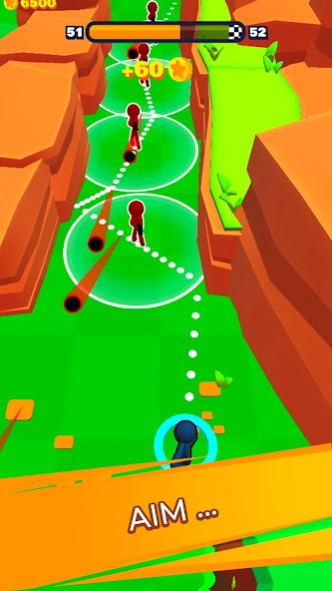
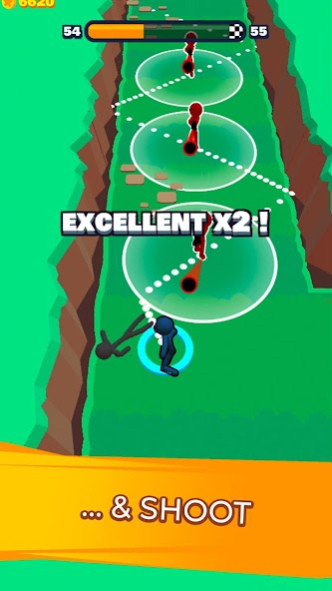
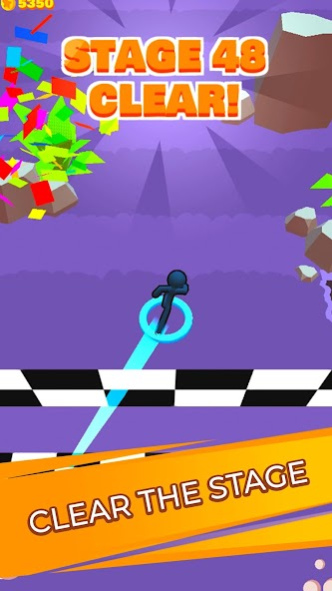
Welcome to Stickman Dash, you made the right choice coming here!
Play a powerful fighter with the ability to slow-down time. Dash through your ennemies, dodge their bullets and be precise to activate combo hits
Super easy-to-play controls, juste hold & release in the direction you want to go.
You feel like you're getting good at it? Beware of Boss Levels, every now and then, that will challenge you!
Hundreds of levels, pattern, and bosses are waiting for you!
Collect skins for your character, become the most powerful warrior of Stickman Dash
Feel free to give us feedbacks about the game <3
We make casual moments turn into mad adventures!
We’re a gaming studio composed of ‘Casually Mad’ game makers. We produce all of our games internally. We live to tell unique stories and express those in the games we create for players around the world. This passion is echoed by millions that enjoy playing our games like Stickman Hook, Parkour Race and Sausage Flip. Play with us and see what’s next!
Let’s hear from you! Join the official Madbox Discord server and share your thoughts. https://bit.ly/35Td03Y
Looking for the latest fun and more? Check us out on Instagram - https://bit.ly/3eHq3YF
About Stickman Dash
The company that develops Stickman Dash is Madbox. The latest version released by its developer is 1.9.3.
To install Stickman Dash on your Android device, just click the green Continue To App button above to start the installation process. The app is listed on our website since 2021-07-16 and was downloaded 4 times. We have already checked if the download link is safe, however for your own protection we recommend that you scan the downloaded app with your antivirus. Your antivirus may detect the Stickman Dash as malware as malware if the download link to com.elena.ninja is broken.
How to install Stickman Dash on your Android device:
- Click on the Continue To App button on our website. This will redirect you to Google Play.
- Once the Stickman Dash is shown in the Google Play listing of your Android device, you can start its download and installation. Tap on the Install button located below the search bar and to the right of the app icon.
- A pop-up window with the permissions required by Stickman Dash will be shown. Click on Accept to continue the process.
- Stickman Dash will be downloaded onto your device, displaying a progress. Once the download completes, the installation will start and you'll get a notification after the installation is finished.
Program Details
System requirements
Download information
Pricing
Version History
version 1.9.3
posted on 2021-07-16
- Performance Optimization
- Balancing Tweaks
version 1.9.0
posted on 2021-04-07
version 1.5.0
posted on 2020-10-21
Performance improvement
version 1.4.0
posted on 2020-02-12
Fixed graphic issues
Fixed few minor bugs
